Every time you pay an employee, you need to know which tax credits and which tax basis to apply. Revenue gives employers this information through the RPN, so for an employer the RPN is the main reference point for calculating deductions. Without it, payroll turns into guesswork, and the mistakes show up later on both the employee’s side and yours.
What is an RPN
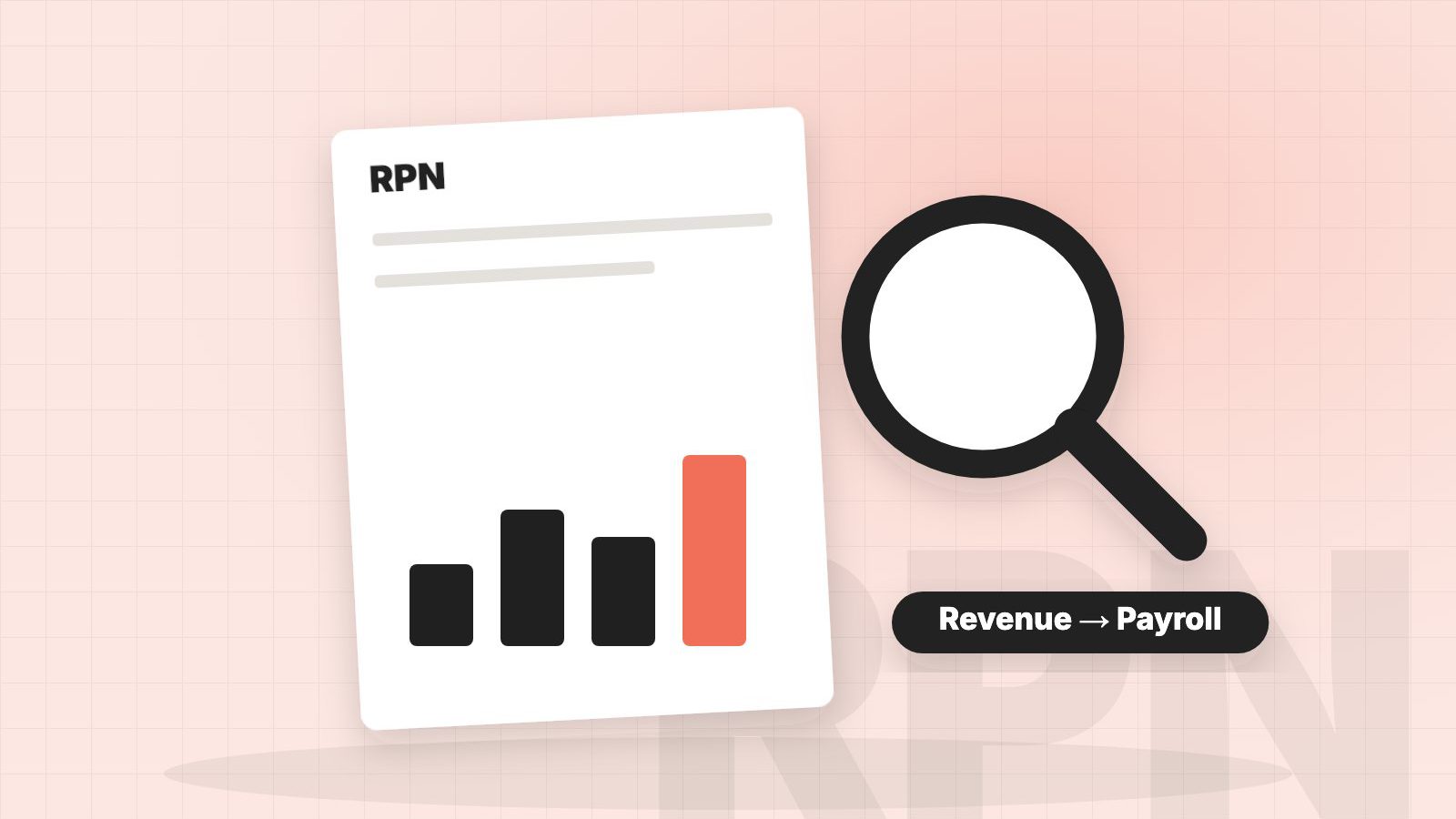
An RPN (Revenue Payroll Notification) is a notification generated by Revenue for a specific employee, which the employer downloads through ROS (Revenue Online Service) or through their payroll software. Since 2019, Ireland has operated PAYE Modernisation: the employer receives the employee’s tax details directly from Revenue and reports every payment of wages to Revenue in real time.
An RPN usually shows:
- the employee’s tax credits allocated to this job;
- the standard rate cut-off point – how much income is taxed at the lower rate of income tax;
- USC (Universal Social Charge) rates and thresholds;
- the basis of calculation – cumulative, or week 1 / month 1 (each period calculated separately);
- where relevant, an LPT (Local Property Tax) deduction from salary, if the employee has chosen to pay this tax through their wages.
What the RPN helps an employer do
The RPN lets you calculate deductions based on what Revenue currently knows about the employee. You don’t need to ask the employee how many credits they have or whether they work somewhere else – the employee manages how their credits are split between jobs through myAccount (their personal Revenue account), and you receive the updated result.
In practice, this means:
- more accurate PAYE, USC and PRSI (social insurance) deductions;
- fewer corrections at the end of the year;
- a clear basis for answering an employee who asks why their take-home pay has changed.
What the RPN does not do
The RPN is a tool, not an autopilot. It does not take over your responsibility for correctly calculated pay, a payroll submission made to Revenue on time, and proper payslips. Revenue expects the payroll submission to be made on or before the pay date.
The RPN also knows nothing about the things that depend on you: gross pay, overtime, bonuses, benefit-in-kind and pension deductions. If this data is wrong in your payroll system, even the latest RPN will not save the calculation.
What happens when there is no RPN
If there is no RPN yet for a new employee, the reason is usually simple: the employee has not registered this job in their myAccount (under “Jobs and Pensions”). In that case the employer has to apply emergency tax, which usually means much higher deductions because no credits are given.
Emergency tax is not a penalty – once the employee registers the job, Revenue issues a new RPN and the overpaid amount is usually refunded through later pay. Still, it is unpleasant for the employee, so it is worth explaining in advance what they need to do.
A good practice is to add two items to your new starter checklist: get the correct PPS number, and ask the employee to register the job in myAccount before their first pay day. It is also important to record the leaving date in your payroll system on time when someone leaves, so that Revenue’s record of their jobs stays accurate and their next employer receives the correct RPN.
Example: a new employee
Example (simplified). A company hires an employee who will earn €600 gross per week. In the first week the payroll software downloads RPNs, but there is none for this employee – they have not yet registered the job in myAccount. Pay has to be calculated on the emergency basis, so the deductions are higher than usual.
The employee registers the job that same week. Before the next payment, the employer downloads the RPN again – now it includes credits and a standard rate cut-off point. If the RPN shows the cumulative basis, the software recalculates the whole period and part of the over-deducted tax goes back to the employee with the second pay. The exact amounts depend on the employee’s credits, so we don’t calculate them here.
Common mistakes
- Using an old RPN. An RPN can change at any time, for example when the employee reallocates their credits. Download the latest version before every payroll run.
- Wrong PPS number. If the wrong PPS (Personal Public Service) number is entered in the payroll system, the RPN will not match the employee.
- The employee doesn’t know they must register the job. This is especially common when someone is working in Ireland for the first time.
- “Fixing” credits by hand. An employer should not change RPN details on the employee’s word – changes are made through Revenue.
- Late payroll submission. The submission is made on or before the pay date, not at the end of the month “all at once”.
A practical checklist before each pay run
- Update employee details (hours, bonuses, leavers and new starters).
- Download the latest RPNs for every employee you are paying.
- Check whether anyone is on emergency tax and remind them to register the job.
- Make the payroll submission to Revenue on or before the pay date and send out payslips.
You can read more about the whole payroll process in our article Payroll in Ireland for employers.
Quick answers
Can employees see their own RPN details?
Yes. Employees can see their credits and how they are split between jobs in myAccount, and can change them there. The changes are reflected in a new RPN that the employer receives.
Is an RPN needed if the employee works only a few hours a week?
Yes. The RPN applies to every employee you pay through payroll, whatever the number of hours.
Who is responsible if the deductions were wrong?
The employer is responsible for calculating pay correctly and for the submissions. If the mistake came from an out-of-date RPN or incorrect payroll data, it needs to be corrected in the next payment or by making a corrected submission.
For an employer, keeping the RPN up to date is a habit for every pay run, not a one-off step when you hire someone.
If you need help with your own situation, see our payroll service or get in touch.
This article provides general information, not individual tax advice. Rules change — talk to us about your situation or check the official Revenue information.