More and more people in Ireland work with an accountant they have never met in person. For that to run smoothly, sending documents to your accountant remotely has to follow an agreed routine, not “any photo from your phone at two in the morning”. This article explains how to set up that routine.
Why the routine matters more than the channel
Whether you use cloud storage, accounting software or email, what matters most is that both sides know what is sent, when, and in what format. When documents arrive one by one, with no explanation and on the last day, the accountant spends more time searching and asking than calculating. That costs you too, and there is a risk that something gets left out of the VAT3 or the annual return.
Revenue also generally requires business records to be kept for six years. A well-organised remote archive helps here too: if Revenue asks for documents, you will find them in a few minutes.
Sending documents to your accountant remotely: best practice
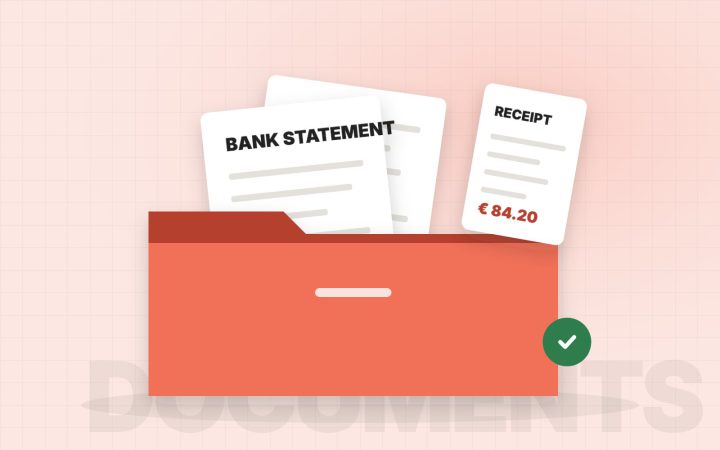
Bank statements
Download bank statements directly from online banking as PDF and, if possible, CSV. A CSV file lets the transactions be imported into accounting software, while a PDF works as official proof. Screenshots are not suitable for this.
If you use a separate bank account for the business, the work is much simpler: all transactions are in one place and personal purchases don’t need to be sorted out. If you sometimes pay business expenses with a personal card, mark those transactions and attach the invoice – otherwise the accountant won’t see them.
Invoices and receipts
- Forward electronic invoices in their original format (usually PDF), not as a photo.
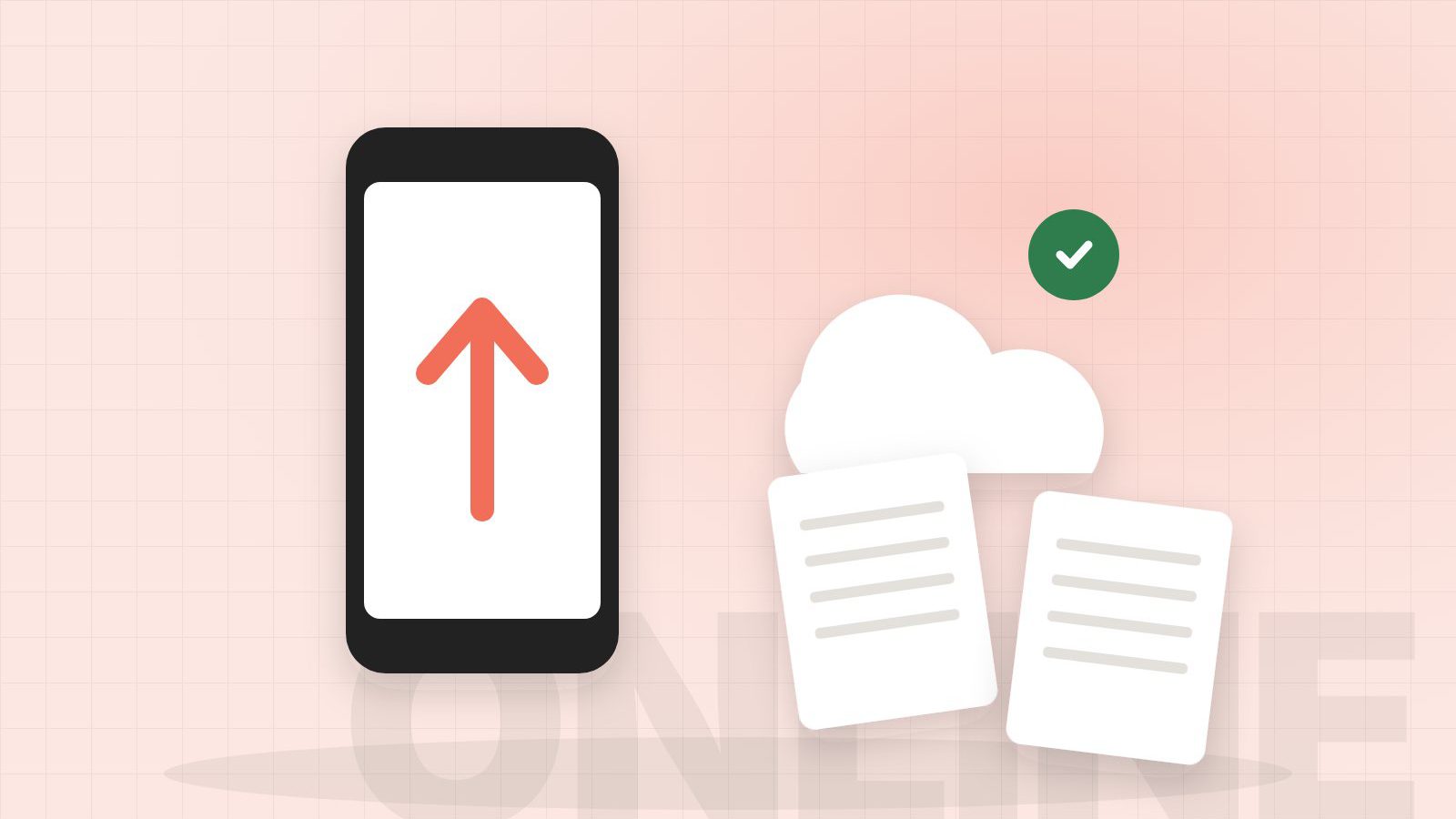
- Photograph paper receipts straight away, in good light, so the full amount, date, supplier and VAT are visible.
- Thermal paper receipts fade quickly, so a scanned copy is often the only reliable record.
Folder structure and file names
The simplest structure is one folder per year, with a folder for each month inside it, and within each month “Sales”, “Purchases” and “Bank”. File names should make sense without opening the file, for example: “2026-03-14_Screwfix_86.40.pdf”. Having the date, supplier and amount in the name saves a lot of questions.
Number your sales invoices in sequence and don’t skip numbers. If you cancel an invoice, issue a credit note rather than simply deleting the file. That makes it easier for the accountant to check that all income is included, and the sequence will be clear if Revenue carries out a check.
Agreed deadlines
Agree by which day after the end of the month or period you will send your documents. If you are VAT registered, this date needs to be well before the VAT3 deadline, so there is time to check and ask questions.
Example: one month for a Sole Trader
Example. A Sole Trader working in construction has 12 sales invoices a month, around 30 purchase invoices and receipts, and two bank accounts (the business account and a personal card he sometimes uses to buy materials).
- He photographs each receipt the same day and uploads it to the “2026-03 / Purchases” folder.
- He saves sales invoices to the “Sales” folder directly from his invoicing software.
- At the end of the month he downloads the business account statement as PDF and CSV.
- From the personal card statement he marks only the 4 business purchases and sends just those, with an explanation.
- By the agreed date he sends one message: “March documents uploaded, 42 files, two questions about equipment”.
Instead of dozens of separate emails, the accountant receives one tidy package, and the questions are sorted out in a single conversation.
If there were unusual transactions that month – a larger equipment purchase, a loan, a cash lodgement or money from a personal account – explain them briefly in the same message.
Keeping personal data safe
Your accountant often needs sensitive information: your PPS (Personal Public Service) number, employee details, bank statements. Send it only through an agreed secure channel – protected storage or a client portal – not in public chat groups or in open emails with your PPS number in the subject line. Never send your passwords for ROS, myAccount or online banking. When access to Revenue systems is needed, there are official ways to do it, such as authorising a tax agent.
Common mistakes
- Blurry, cropped or shadowy photos where the amount or VAT can’t be seen.
- Personal and business documents mixed together in one folder.
- Dozens of separate emails with no list or explanation.
- Documents sent only just before the filing deadline.
- The same document sent several times through different channels, creating a risk that it is counted twice.
How we start working with a new client
In the first conversation we agree three things: the channel your documents will go through, a list of what is needed each month or year, and the deadlines. You can find out which documents are usually needed in our article Documents for your accountant. After the first month we review what works and adjust if needed. If you have employees, we also agree separately on payroll information – hours, bonuses, new starters and leavers – because we need it before the pay date. From then on, bookkeeping becomes a routine rather than a fire to put out before each deadline.
Quick answers
Is a phone photo good enough as a copy of a receipt?
Usually yes, if it is clear and all the important information is visible. Scanning apps on your phone help you get a tidy PDF.
Do I need to keep the paper originals?
Revenue generally accepts properly stored electronic records, but some documents may have special requirements. If in doubt, keep the originals.
What if a document is lost?
Ask the supplier for a duplicate or a copy of the invoice. A bank statement shows the payment but does not always replace the invoice, especially when it comes to reclaiming VAT.
Once the system is agreed, sending documents to your accountant remotely is stress-free, and you can spend your time on your work rather than on paperwork.
If you need help with your own situation, see our accounting services in Ireland or get in touch.
This article provides general information, not individual tax advice. Rules change — talk to us about your situation or check the official Revenue information.